# Monitor new subscribers with a weekly report
This report will pick up all new subscriptions to your email list.
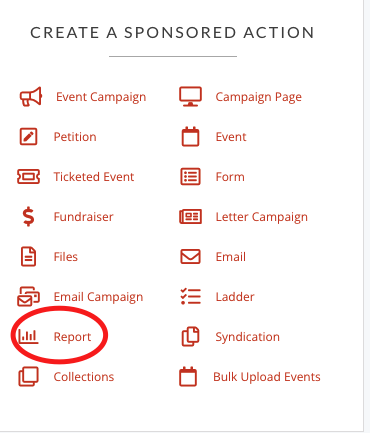
1. Click on 'Report'
[](https://rebeltoolkit.extinctionrebellion.uk/uploads/images/gallery/2022-02/report.png)
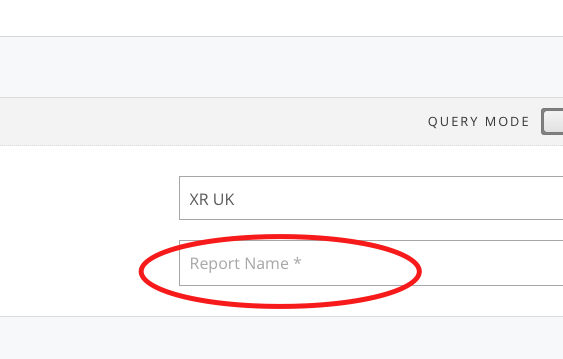
2. Give the report a name
[](https://rebeltoolkit.extinctionrebellion.uk/uploads/images/gallery/2022-02/reportname.png)
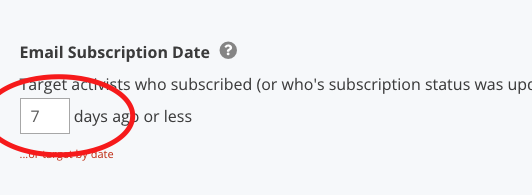
3. Scroll further down the left hand column and pick (for example) all sign ups in the last 7 days.
[](https://rebeltoolkit.extinctionrebellion.uk/uploads/images/gallery/2022-02/last7days.png)
4. Click 'Save and select data' blue button on bottom right.
5. Choose which fields you'd like to see in your report and what order you'd like to see them
7. Click 'Save and get results' button
Note : This may take some time to load!
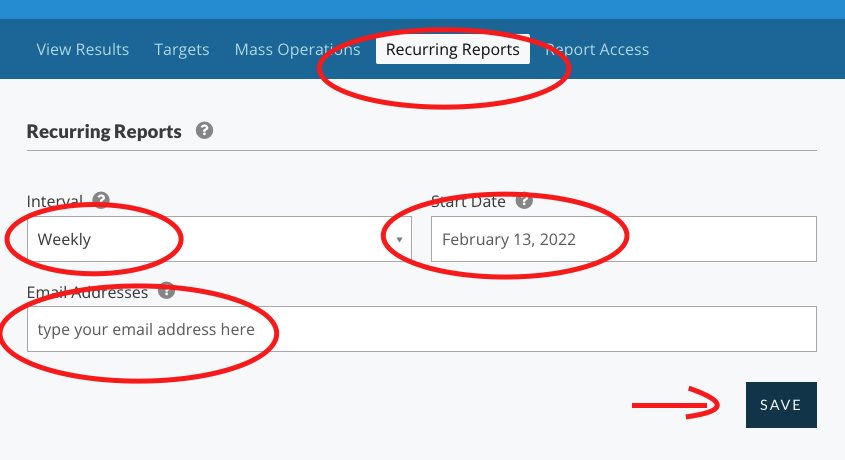
8. Then set up a recurring report to be run automatically and emailed to you...
[](https://rebeltoolkit.extinctionrebellion.uk/uploads/images/gallery/2022-02/report-email.png)